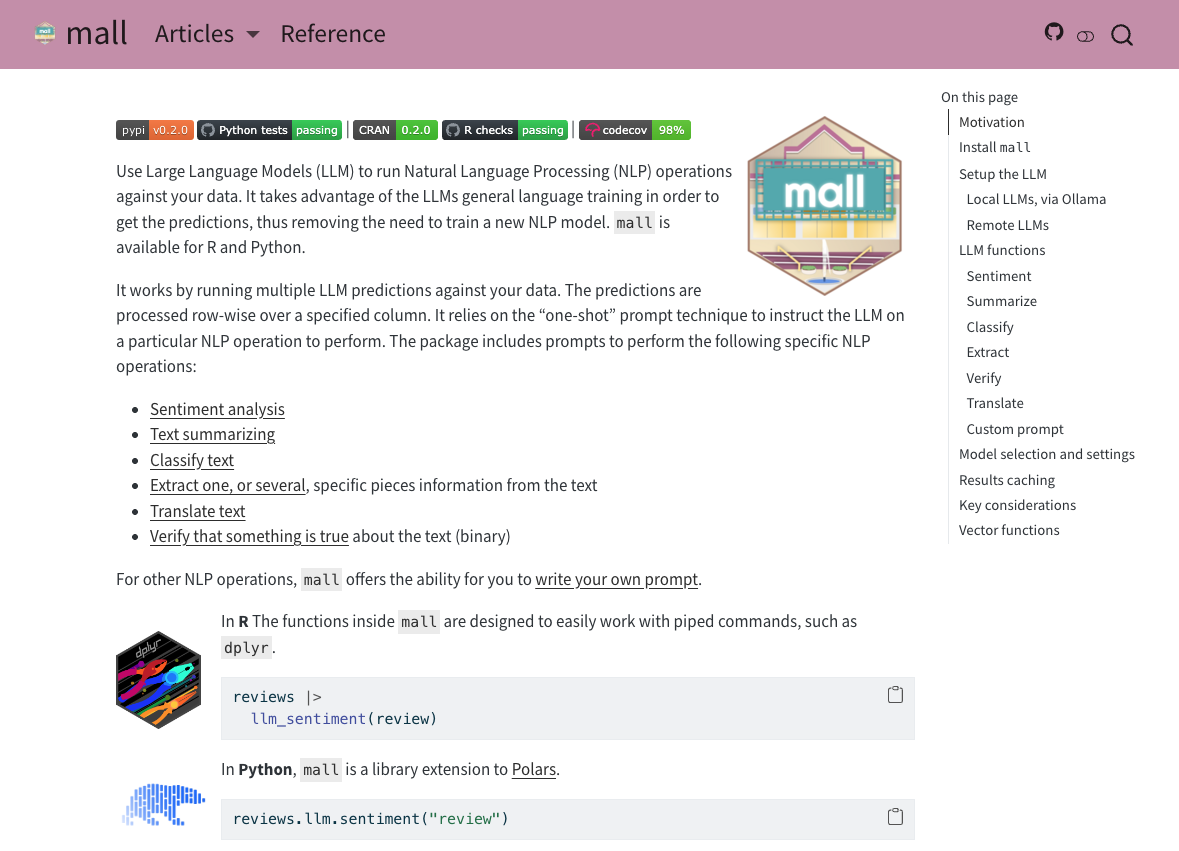
mall lets you apply LLMs as a function across every row of your data
No model training
No labeling pipeline
Works with any language the LLM is trained on (English, Spanish, etc.)
Familiar dplyr-style syntax
How it works
The LLM reads each row and returns a structured result, no training required.
library(mall)reviews |>llm_sentiment(review)#> # A tibble: 3 × 2#> review .sentiment#> <chr> <chr>#> 1 This product is amazing! positive#> 2 Arrived broken, very disappointed negative#> 3 It works, nothing special neutral
How it works: System prompt
For providers that support it, instructions are passed as the system prompt and the row data as the user message:
System: You are a helpful sentiment engine. Return only one of the following answers: positive, negative, neutral. No capitalization. No explanations.
User: The answer is based on the following text:
This product is amazing!
How it works: Single-shot prompt
For providers without system prompt support, instructions and data are concatenated into one message:
You are a helpful sentiment engine. Return only one of the following answers: positive, negative, neutral. No capitalization. No explanations. The answer is based on the following text:
This product is amazing!
Setup
Setting up: Local Models
Ollama is a free tool that runs LLMs locally on your machine. Supports Windows, Mac, and Linux.
mall ships with a small built-in dataset to explore functions
library(mall)reviews#> # A tibble: 9 × 1#> review#> <chr>#> 1 This has been the best TV I've ever used. Great screen…#> 2 I regret buying this laptop. It is too slow and the batt…#> 3 Not sure how to feel about my new washing machine. It is…#> # ℹ 6 more rows
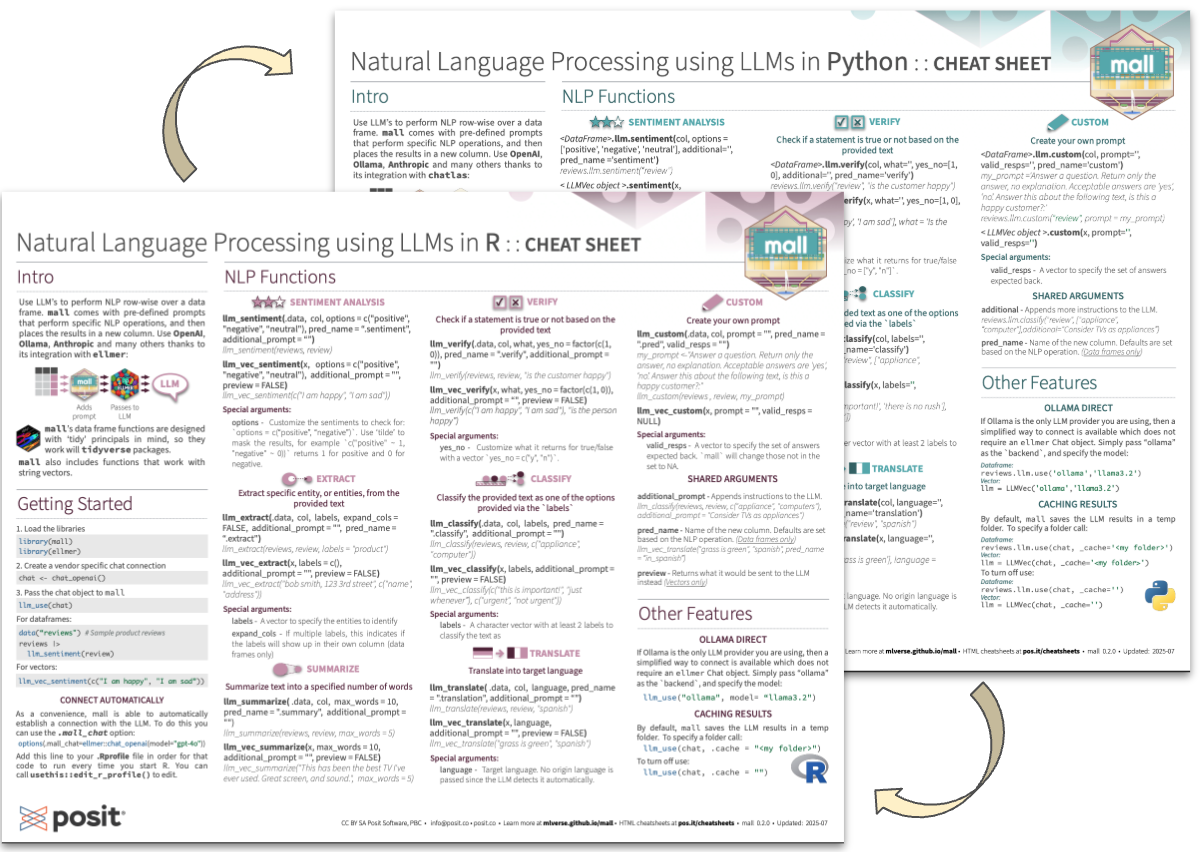
llm_sentiment()
Classify text as positive, negative, or neutral
reviews |>llm_sentiment(review)#> # A tibble: 9 × 2#> review .sentiment#> <chr> <chr>#> 1 This has been the best TV I have ever used… positive#> 2 I regret buying this laptop… negative#> 3 Not sure how to feel about my new washing… neutral
reviews |>llm_summarize(review, max_words =5)#> # A tibble: 9 × 2#> review .summary#> <chr> <chr>#> 1 This has been the best TV I've ever used… this tv is excellent quality#> 2 I regret buying this laptop… regrets buying slow laptop#> 3 Not sure how to feel about my new washing… confused about the purchase
llm_classify()
Assign each row to one of your predefined categories
reviews |>llm_classify(review, labels =c("appliance", "computer", "tv"))#> # A tibble: 9 × 2#> review .classify#> <chr> <chr>#> 1 This has been the best TV I've ever used… tv#> 2 I regret buying this laptop… computer#> 3 Not sure how to feel about my new washing… appliance
llm_extract()
Pull out specific entities mentioned in the text
reviews |>llm_extract(review, "product name")#> # A tibble: 9 × 2#> review .extract#> <chr> <chr>#> 1 This has been the best TV I've ever used… TV#> 2 I regret buying this laptop… laptop#> 3 Not sure how to feel about my new washing… washing machine
llm_verify()
Ask a yes/no question about each row, returns 1 or 0
reviews |>llm_verify(review, "The customer would recommend this product")#> # A tibble: 9 × 2#> review .verify#> <chr> <int>#> 1 This has been the best TV I've ever used… 1#> 2 I regret buying this laptop… 0#> 3 Not sure how to feel about my new washing… 0
llm_translate()
Translate text into any language supported by the model
reviews |>llm_translate(review, "spanish")#> # A tibble: 9 × 2#> review .translation#> <chr> <chr>#> 1 This has been the best TV I've ever used… Esta ha sido la mejor televi…#> 2 I regret buying this laptop… Me arrepiento de haber compra…
llm_custom()
Write your own prompt for anything that doesn’t fit a built-in function
my_prompt <-paste("Answer a question.","Return only the answer, no explanation.","Choose the best answer between: yes or no","Answer this about the following text, is this a happy customer?: {x}")reviews |>llm_custom(review, my_prompt)#> review#> 1 This has been the best TV I've ever used. Great screen, and sound.#> 2 I regret buying this laptop. It is too slow and the keyboard is too noisy#> 3 Not sure how to feel about my new washing machine. Great color, but hard to figure#> .pred#> 1 Yes.#> 2 No.#> 3 No
Create pipelines
Daisy chain multiple mall calls to transform your data in different ways
All functions have a _vec variant for working outside a data frame
llm_vec_sentiment("I absolutely love this!")#> [1] "positive"llm_vec_translate("Buenos días a todos", "english")#> [1] "Good morning everyone"llm_vec_extract("Call me at 555-1234", "phone number")#> [1] "555-1234"
Preview mode
Use preview = TRUE to inspect the exact call sent to the backend, without running it:
llm_vec_translate("Buenos días a todos", "english", preview =TRUE)#> [[1]]#> ollamar::chat(messages = list(list(role = "user", content = "You are a helpful#> translation engine. You will return only the translation text, no#> explanations. The target language to translate to is: english. The answer#> is based on the following text:\nBuenos días a todos")),#> output = "text", model = "llama3.2")
Demo
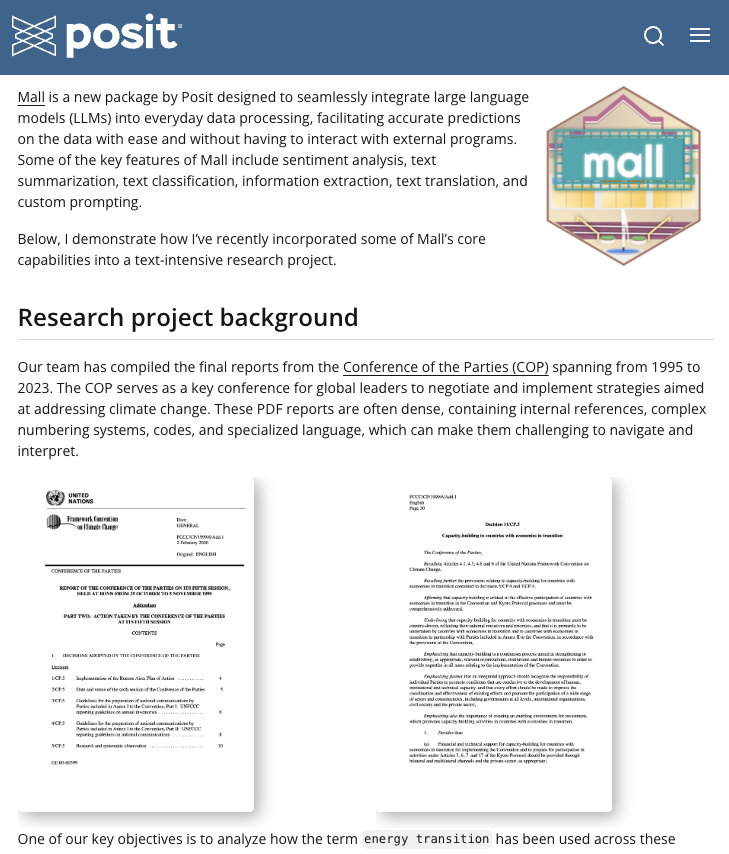
Use case: Climate policy research
Researchers used mall to analyze COP climate negotiation reports from 1995 to 2023
Dense documents with specialized language
Tracked how “energy transition” evolved over nearly 3 decades